Release 4.1
 Contents |
 Index |
| Discoverer 4i Plus Online Help Release 4.1 |
|
Scheduled workbooks run at a specified time. For example, you might want to run a workbook at the end of each month that calculates monthly profits from monthly sales figures, or you might want to run a workbook every two weeks based on a biweekly cash-flow analysis.
Often, workbooks that you want to schedule are designed specifically for that purpose, rather than for your day-to-day analysis. For example, the workbook might include special calculations or Conditions that produce the results you want on a periodic basis only.
See your Discoverer Administrator to schedule a workbook. You must have appropriate privileges to schedule a workbook.
Typically you schedule workbooks if:
Because a scheduled report runs on the server, you do not need to leave your computer on overnight (or whenever you schedule the report to run). The results of the scheduled report are saved on the server and are available when you connect to the database and start Discoverer.
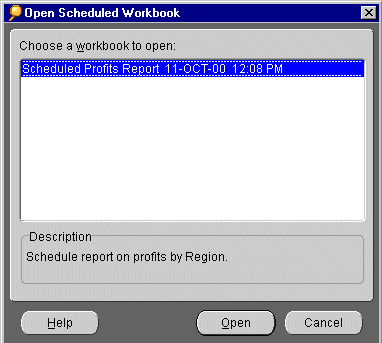
A scheduled workbook produces a worksheet or set of worksheets with the results derived from running the workbook. You can open a scheduled workbook when you start Discoverer, or while working in a workbook. If you run a scheduled workbook overnight (or over the weekend) and want to see the results first thing the next morning, open the workbook as you connect to Discoverer.
When connected as an Oracle Applications User, the following rules apply:
NOTE: The worksheets produced by running the scheduled workbook contain data derived specifically for that report and you can work with the worksheet in the normal manner. But if you change any of the data, a message reminds you that the new data on the worksheet is not the same as that derived from the scheduled workbook.
|
|
 Copyright © 2000 Oracle Corporation. All Rights Reserved. |
|