Release 4.1
 Contents |
 Index |
| Discoverer 4i Plus Online Help Release 4.1 |
|
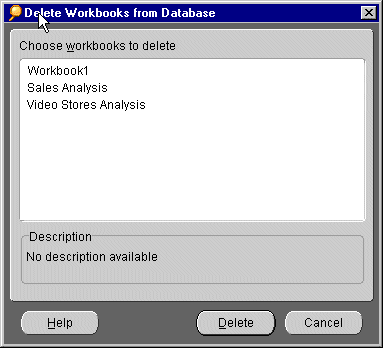
Deleting a workbook from the database permanently removes it. You should not delete a workbook from the database unless you are absolutely certain that you won't need it in the future.
Note: You cannot delete a workbook unless you have the appropriate database privileges. Also, you cannot delete a shared workbook unless you created it.
See also:
Creating a New Workbook
Saving a Workbook
Refreshing Data in a Workbook
|
|
 Copyright © 2000 Oracle Corporation. All Rights Reserved. |
|