Release 4.1
 Contents |
 Index |
| Discoverer 4i Plus Online Help Release 4.1 |
|
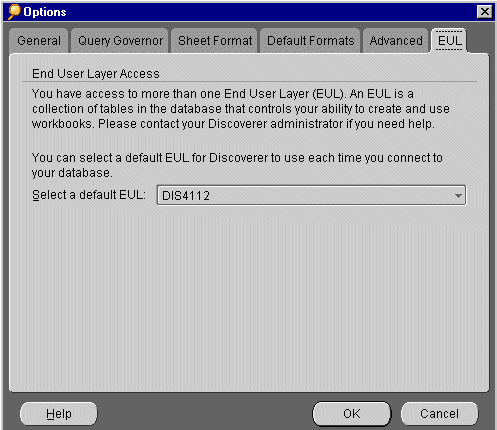
One of the Discoverer Administrator's jobs is the creation of an End User Layer (EUL) that contains the data you need for work. Sometimes, the Discoverer Administrator designs several EULs that you can access. Use the EUL Options dialog to select the default EUL for Discoverer to use when you connect to the database.
You will need to reconnect to Discoverer to use the new EUL.
See also:
Setting Query Governor Options
Setting Sheet Format Options
Setting Default Format Options
Setting Advanced Options
Setting General Options
Using SQL
|
|
 Copyright © 2000 Oracle Corporation. All Rights Reserved. |
|